
Create a Wallet
Separate a public address from a seed phrase or private key before creating a recovery plan that stays under your control.
Start here →imtoken Multi-chain Wallet
A multi-chain wallet, blockchain network and Web3 knowledge hub from imtoken
Start with multi-chain asset management, then build a working understanding of network choice, sending and receiving, DApp connections, signatures and approvals. Public addresses help identify accounts; seed phrases and private keys remain secret recovery material under the user’s control.
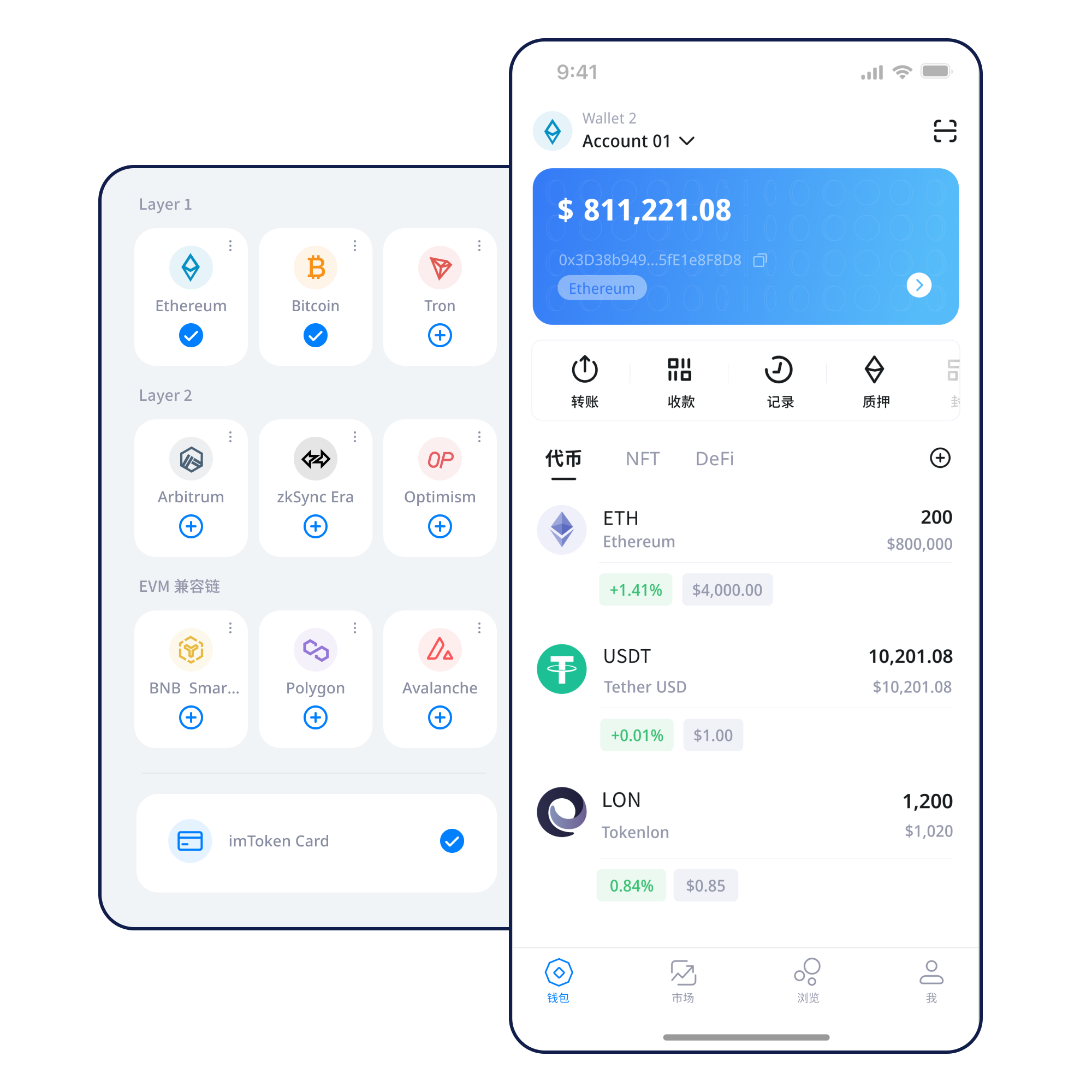
Separate a public address from a seed phrase or private key before creating a recovery plan that stays under your control.
Start here →Keep recovery material offline and avoid screenshots, chat messages and unnecessary cloud copies.
Backup guide →Confirm the target network and asset type before sharing an address, and check a token contract when needed.
Receive checks →Review the address, network, asset, amount and gas, then keep the transaction hash after submission.
Transfer checks →Verify the domain and account request, then treat connection, signing and approval as separate decisions.
Connection guide →Wallet capabilities
Different tasks expose different information, while the account, network and permission context remains verifiable.
Separate native assets from contract tokens across networks. Establish the network before reading a balance or transaction record.
View assets, manage networks and review transaction history on mobile, with individual checks whenever a DApp request appears.
Verify the address and network for receiving; when sending, also review the amount, gas and request details, then track the hash.
In the browser, focus on the domain, account, network, signature and approval rather than treating a connection as permanent consent.
Users control their seed phrases and private keys. imtoken will never ask for those secrets or a verification code.
Blockchain networks
Public chains, EVM, Layer 2 and gas answer different questions. All topic content remains in the server-rendered page even when scripts are disabled.
A familiar address format does not move assets across chains. Balances, fees and transaction state belong to a particular network.
Read more →
Nodes propagate and validate transactions, blocks record state changes, and confirmations help describe progress after inclusion.
Read more →
Several EVM networks can share a familiar account format, while assets, gas, contracts and approvals remain network-specific.
Read more →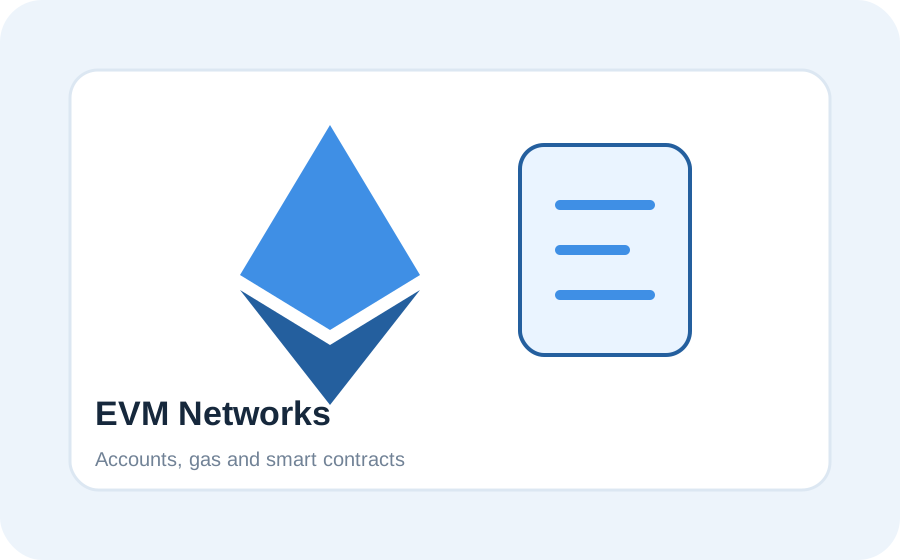
Moving between layers follows supported paths, with distinct considerations for deposits, bridges, withdrawals and exit delays.
Read more →
Gas describes execution resources; confirmations describe progress after inclusion. Fee changes are not a promise of a fixed completion time.
Read more →Wallet path
From obtaining the wallet to reviewing transactions and approvals, preserve information that can be checked again later.
Use the site download entry point rather than exposing a final mobile target in content pages.
Separate public account data from secret recovery material and use a trusted device.
Keep the seed phrase offline and never disclose a private key or verification code.
Confirm the asset’s chain, the target network, address context and fee asset.
Review the address, network, asset and amount before a transfer.
Read DApp requests before signing and revisit permissions that are no longer needed.
Web3 & DApps
Connecting a wallet is not blanket consent. Message signatures, transaction signatures and token approvals have different meanings, so each should be reviewed for source, account, network, contract and permission scope.
Security
Wallet security begins with secret management. Seed phrases and private keys stay under the user’s control and are safer when kept offline rather than copied into screenshots, chats or unverified cloud storage. imtoken will never ask for those secrets or a verification code.
The device environment matters too. Public computers, public Wi-Fi, remote-control software, untrusted browser extensions and clipboard substitution can all change what a user sees. On-chain transactions generally cannot be reversed by a wallet provider alone, and third-party contracts can carry independent risks.
Open the Security Center →
Academy
Begin by separating an address from a seed phrase and private key. Then learn how the network, gas and transaction hash affect a transfer. In a DApp, treat connection, signing and approval as three distinct decisions.
Read the getting-started guide →How nodes, blocks and confirmations explain transaction status.
Understand gas, tokens and contract calls.
Base-layer relationships, cross-layer paths and waiting conditions.
Spenders, allowance scope and revocation.
Secrets, devices and transaction verification.
Put common terms back into practical context.
Ethereum & PoS
Staking does not guarantee returns. Rewards can change, validator exits can take time, network penalties can occur, and smart contracts or third-party services can add risk.
Learn Ethereum PoS, validators, reward sources, network state, withdrawals and exits without presenting protocol rewards as a fixed yield.
Explore Ethereum staking →Validator state, network penalties, waiting time, contract risk, third-party risk and digital-asset price volatility can all affect outcomes.
Learn PoS & validators →Product & security updates
FAQ
A seed phrase commonly restores a set of accounts, while a private key directly controls a specific account. Both are secrets.
Asset state belongs to a specific network; similar address formats do not automatically move assets between networks.
Gas represents network resources used for execution. Cost varies with network conditions and transaction complexity.
Yes. Connection, signing, approval and transaction submission are separate actions.
Many EVM token allowances can be changed or revoked through a new on-chain transaction, depending on the network and contract.
No. Rewards, validator state, penalties, exit delays and asset prices can all change.
Generally not after network confirmation, which is why reviewing the address, network, asset and amount before submission matters.
Every site download action goes through the same internal download page.